Download Center
Get Brilliants apps. Straight from us.
Direct downloads for every Brilliants product — no app store required. Power EmS is live today; Smart HRMS early access is on its way.
Direct downloads for every Brilliants product — no app store required. Power EmS is live today; Smart HRMS early access is on its way.
Click any Live product to see full details and features.
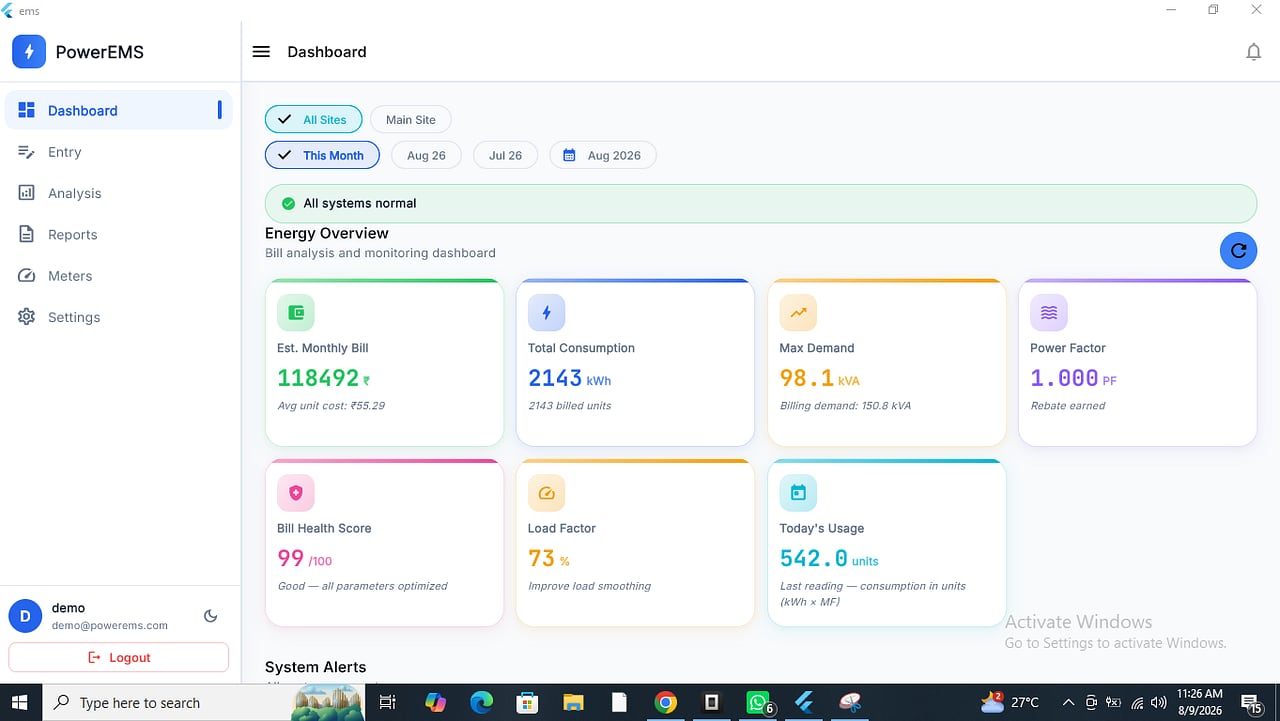
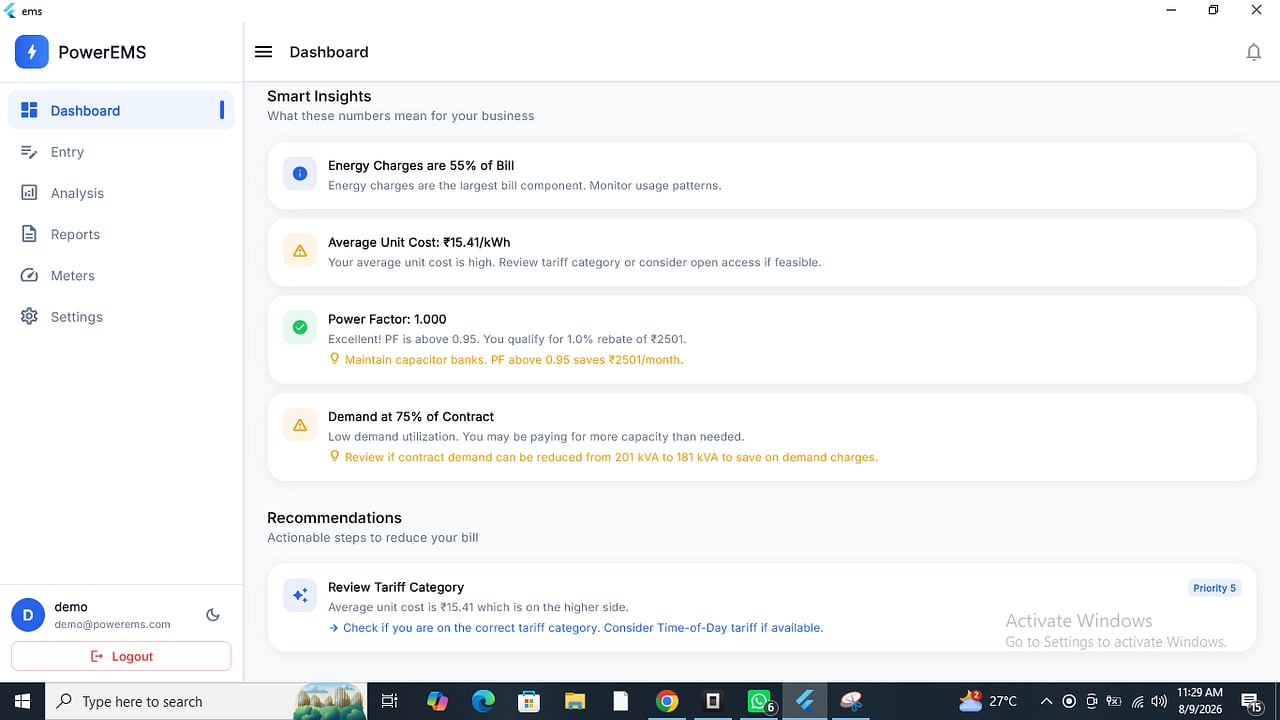
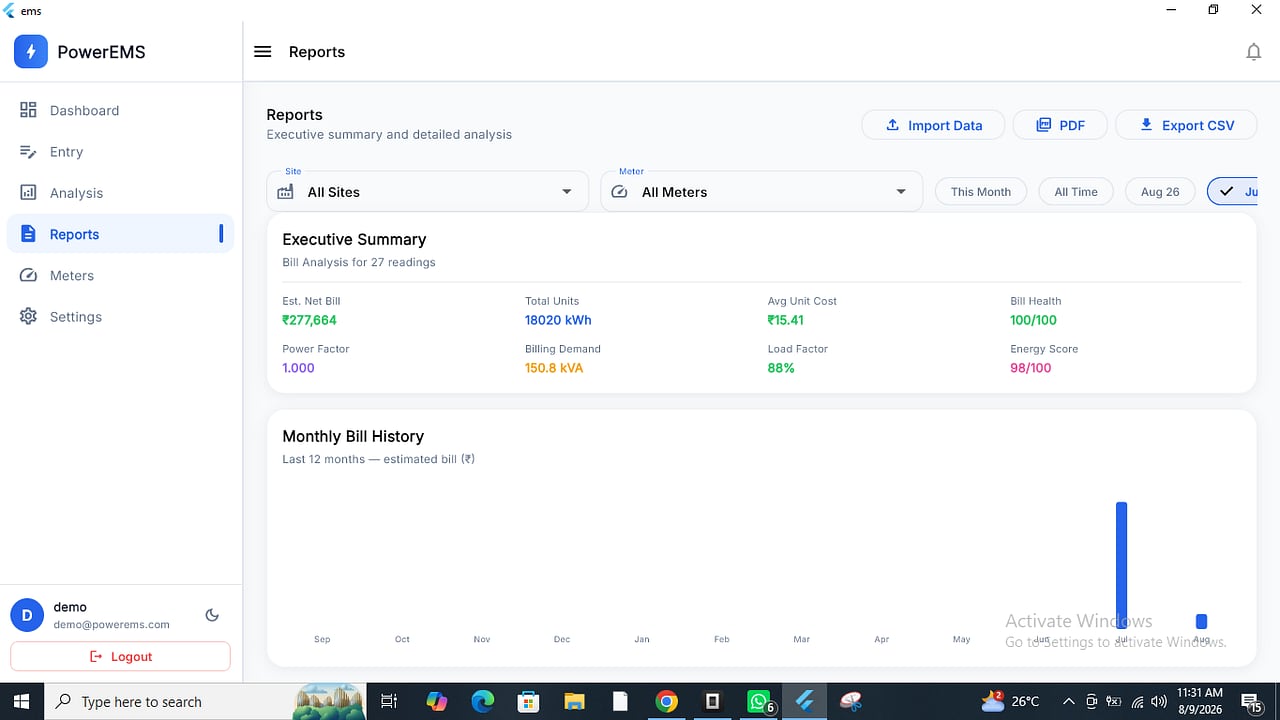
Smart Energy Management · v1.2.7
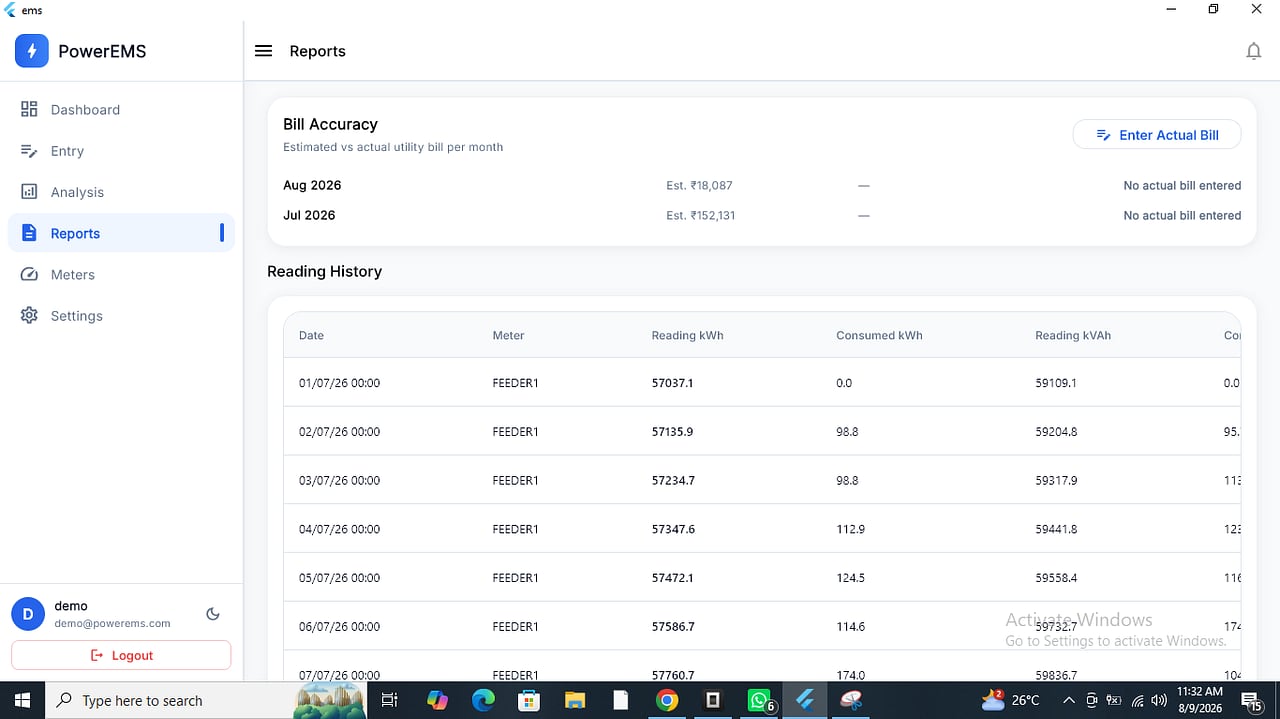
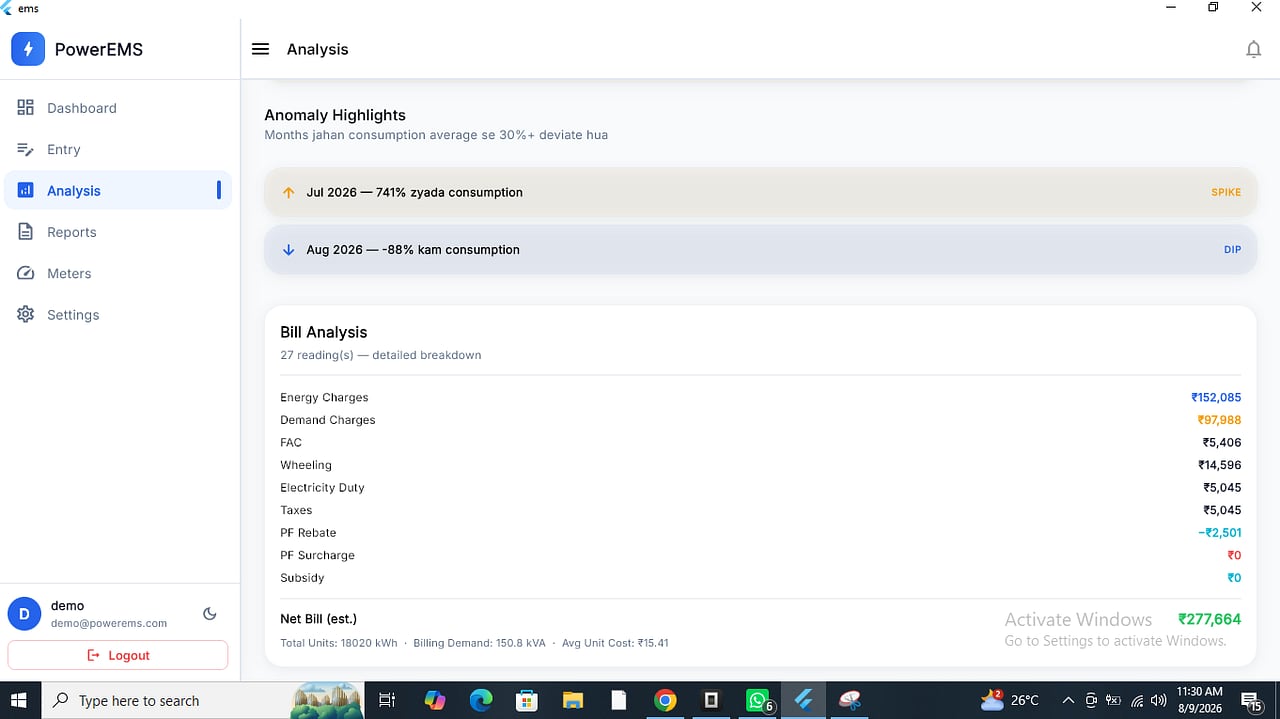
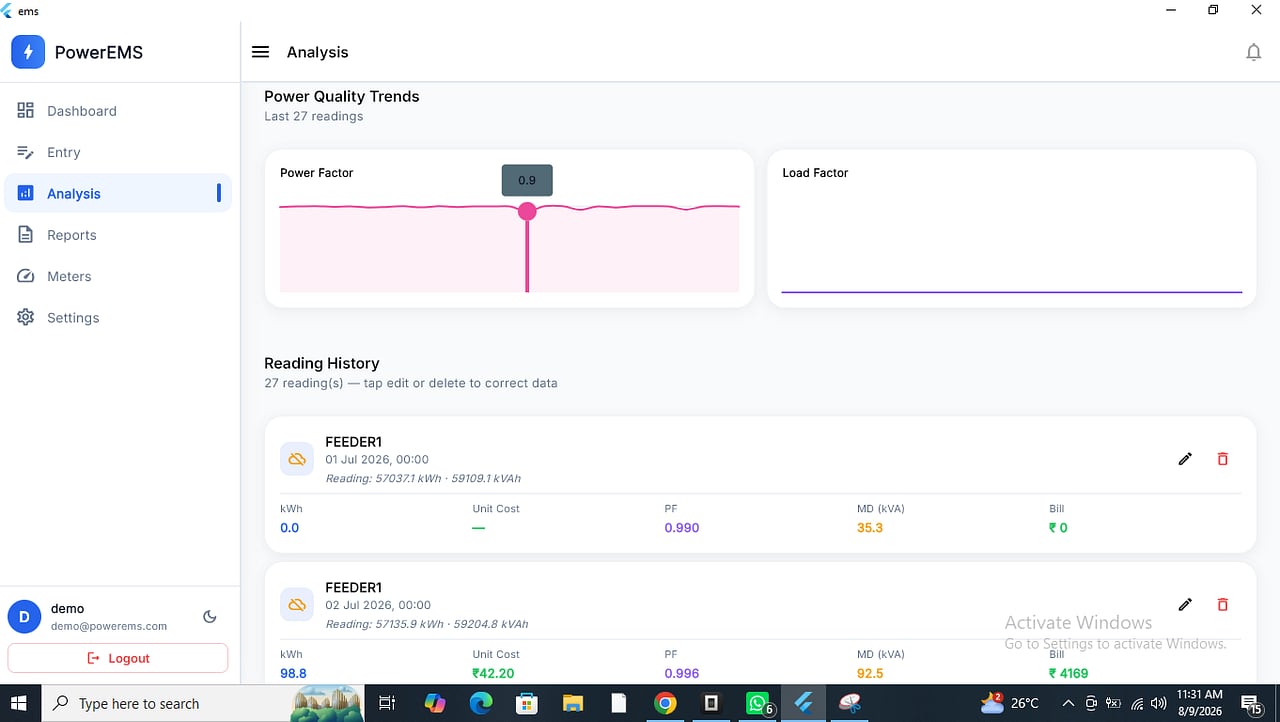
Live energy dashboards, smart meter insights, bill accuracy checks, power quality monitoring and anomaly detection.
HR & Payroll Automation
Face recognition attendance, automated payroll and workforce analytics. Early-access build coming soon.
Industrial Maintenance Management
Equipment registry, work orders, preventive maintenance and spare-parts inventory — runs in your browser, nothing to install.
Android blocks installs from outside the Play Store by default — here's how to allow it, safely, just for this one file.
Tap "Download APK" above. Your phone may show a browser warning — tap "Download anyway".
Open the downloaded file. If prompted, allow your browser to "Install unknown apps" — this permission only applies to that app.
Tap "Install" and wait a few seconds. Android may show a Play Protect scan — this is normal for direct downloads.
Launch the app and sign in with the credentials shared by your Brilliants onboarding contact.
Only download Brilliants apps from brilliants.in or a link shared directly by our team. We'll never ask you to install an APK from any other source.